

Tony Brick Stitch

Hi, I’m Tony! I create things using seed beads.

3D Tools

Here are a couple of basic tools I designed for myself, but you can easily print them as well. Search for nearby 3D printing services in your maps app and send them the STL files or a link to this page. They should be able to print them for just a few dollars.

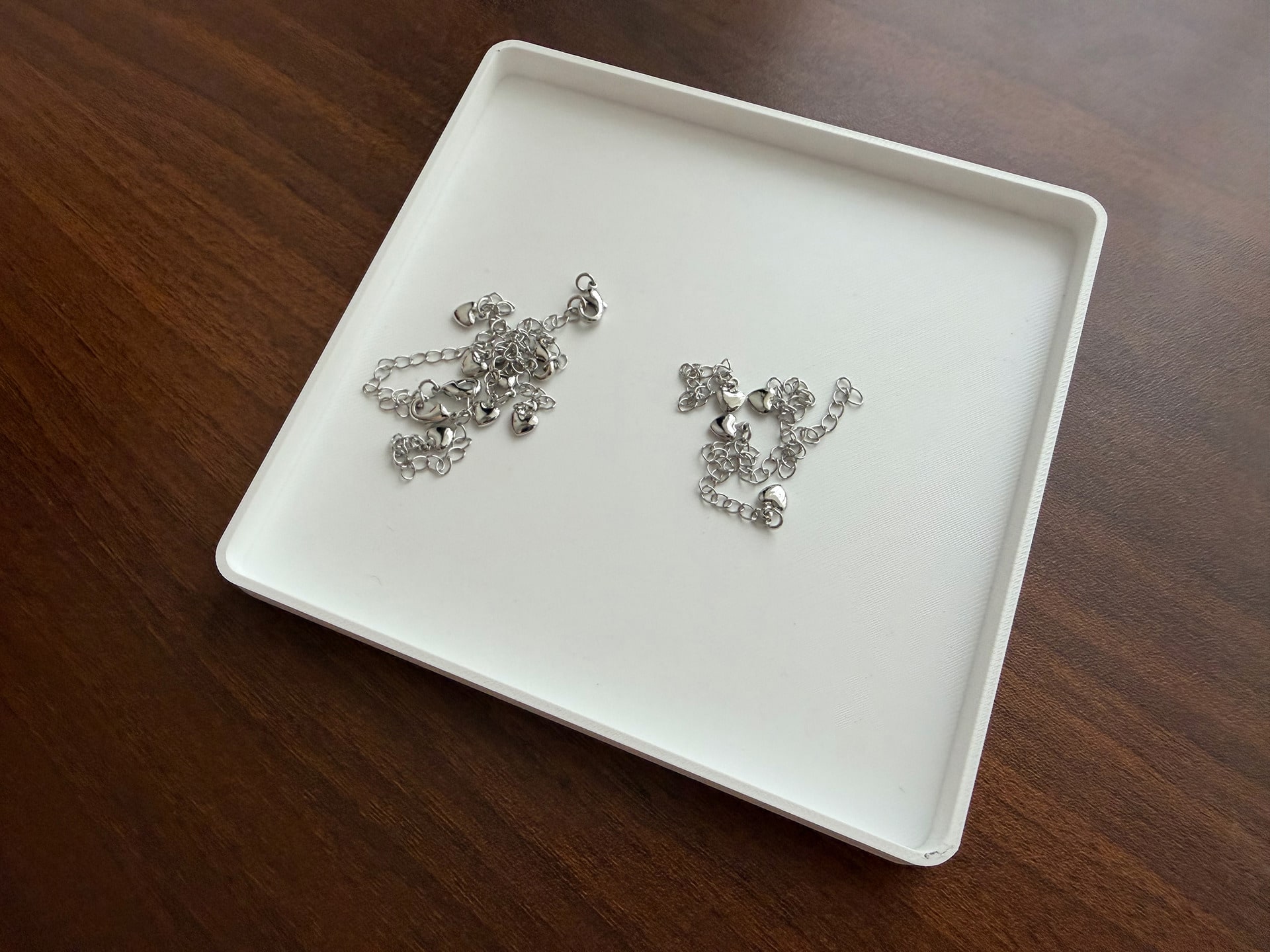
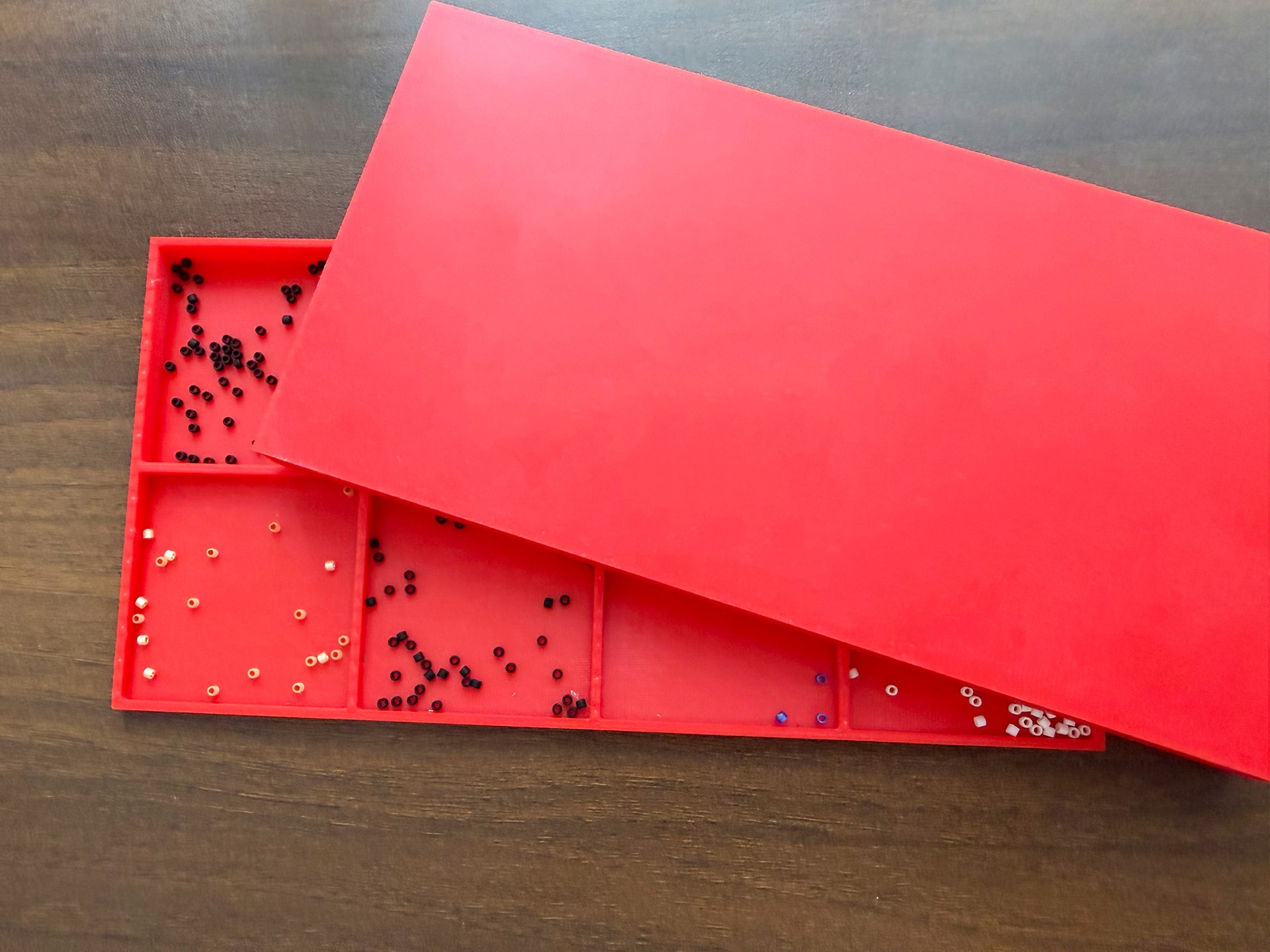
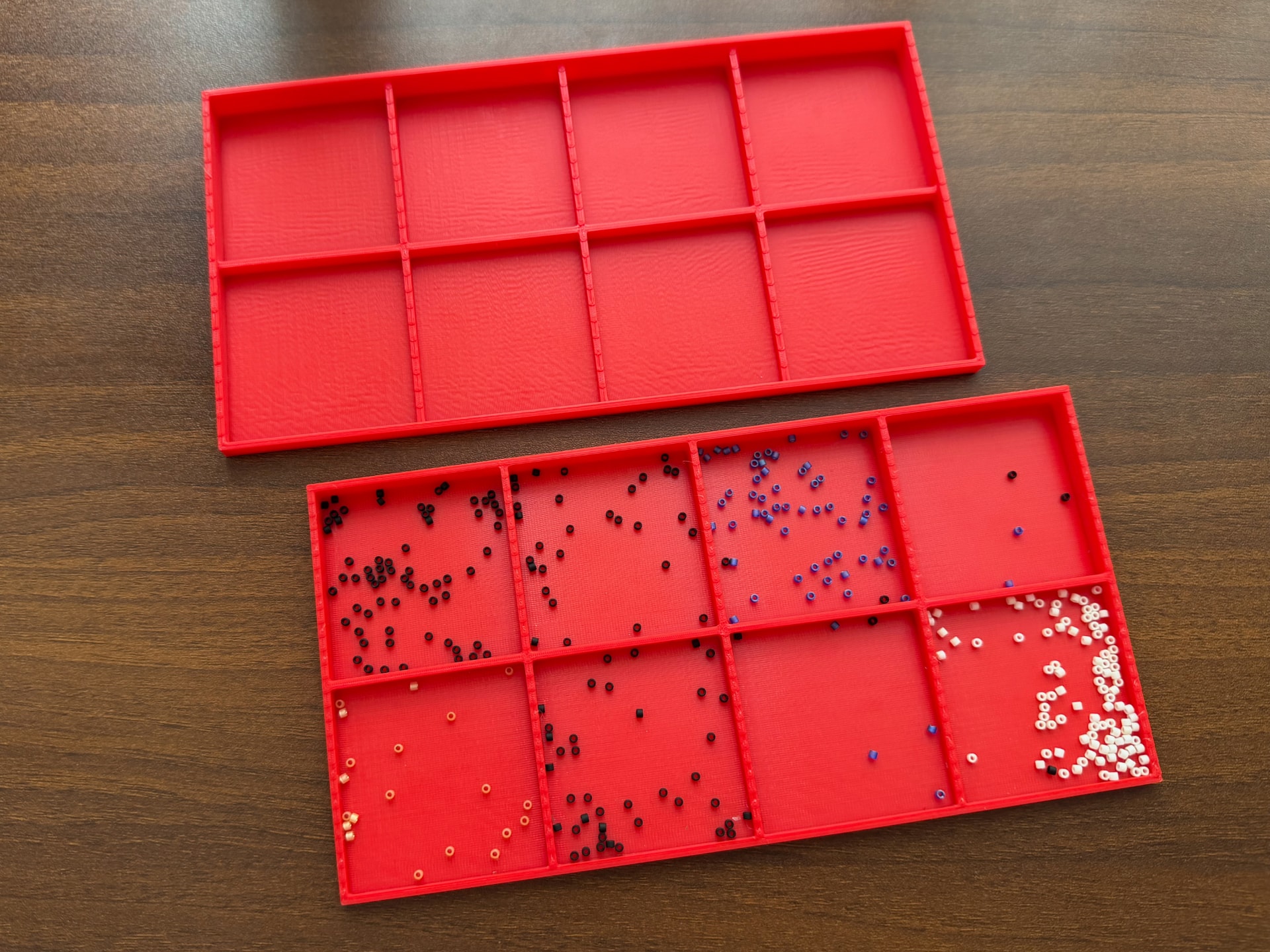
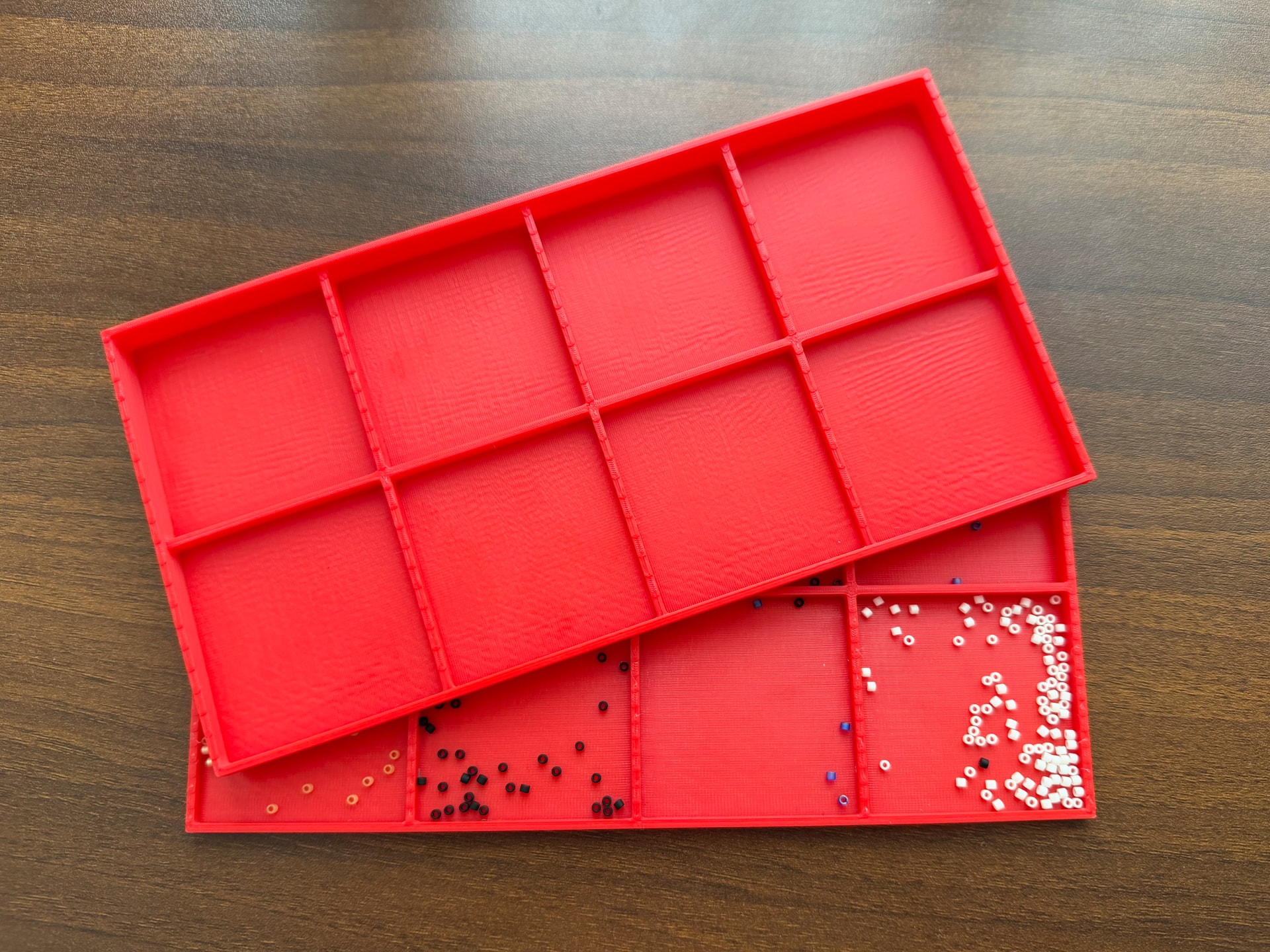
Hanotsume Beading Tray

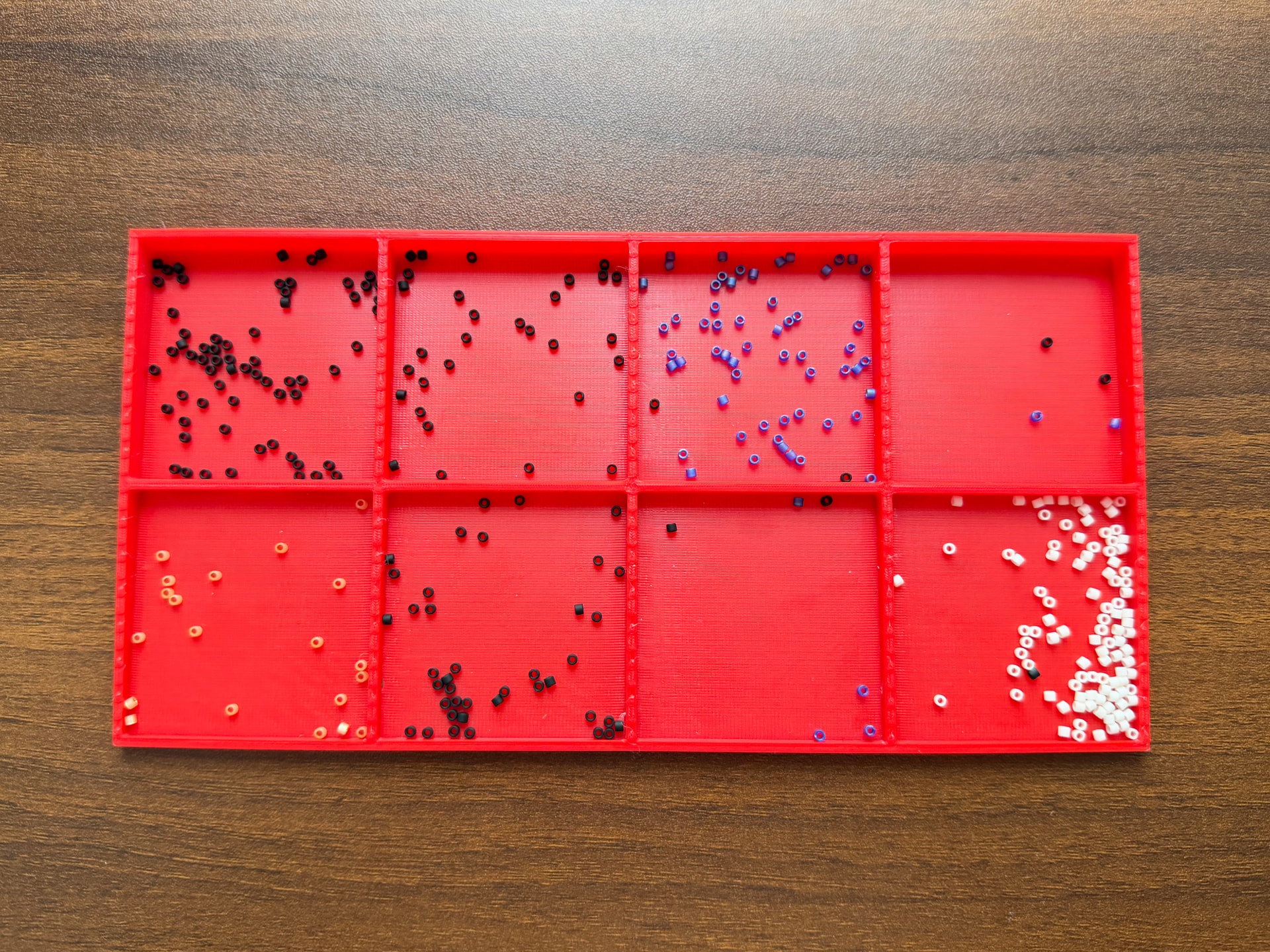
Personally, I don't really like beading mats because the needle gets stuck when picking up beads. I also avoid those little triangle trays since they flip over easily if bumped. So, this model is my take on the ideal beading tray.

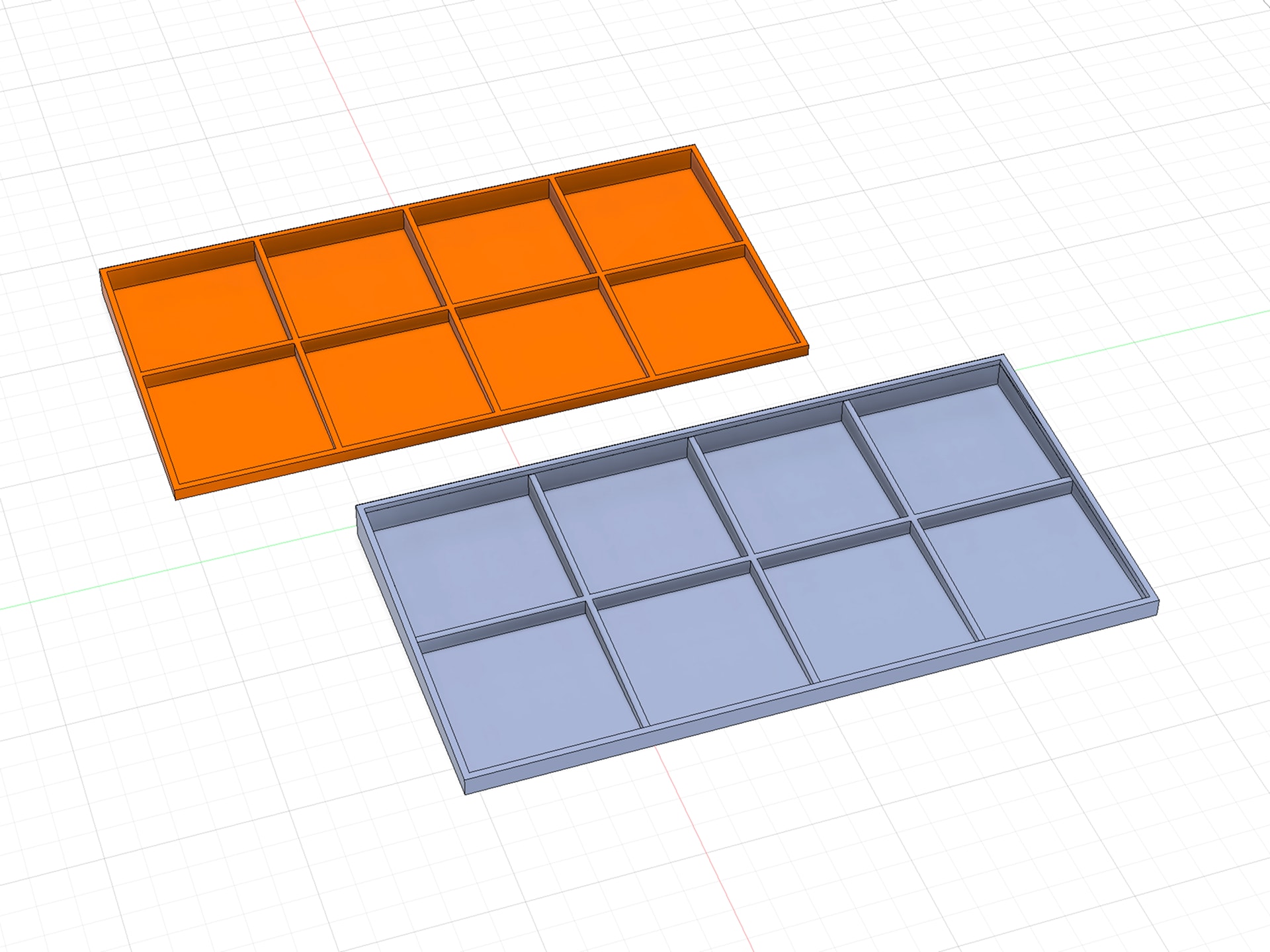
In addition to the main tray, there is also a matching lid, which doubles as a second tray when removed. Note that it's slightly wider and taller.

Print Tip: Set the Top surface angle to or 180° so the extrusion lines run parallel to the long edge of the tray. This makes picking up beads super satisfying, as the needle tip glides smoothly right along the grooves!
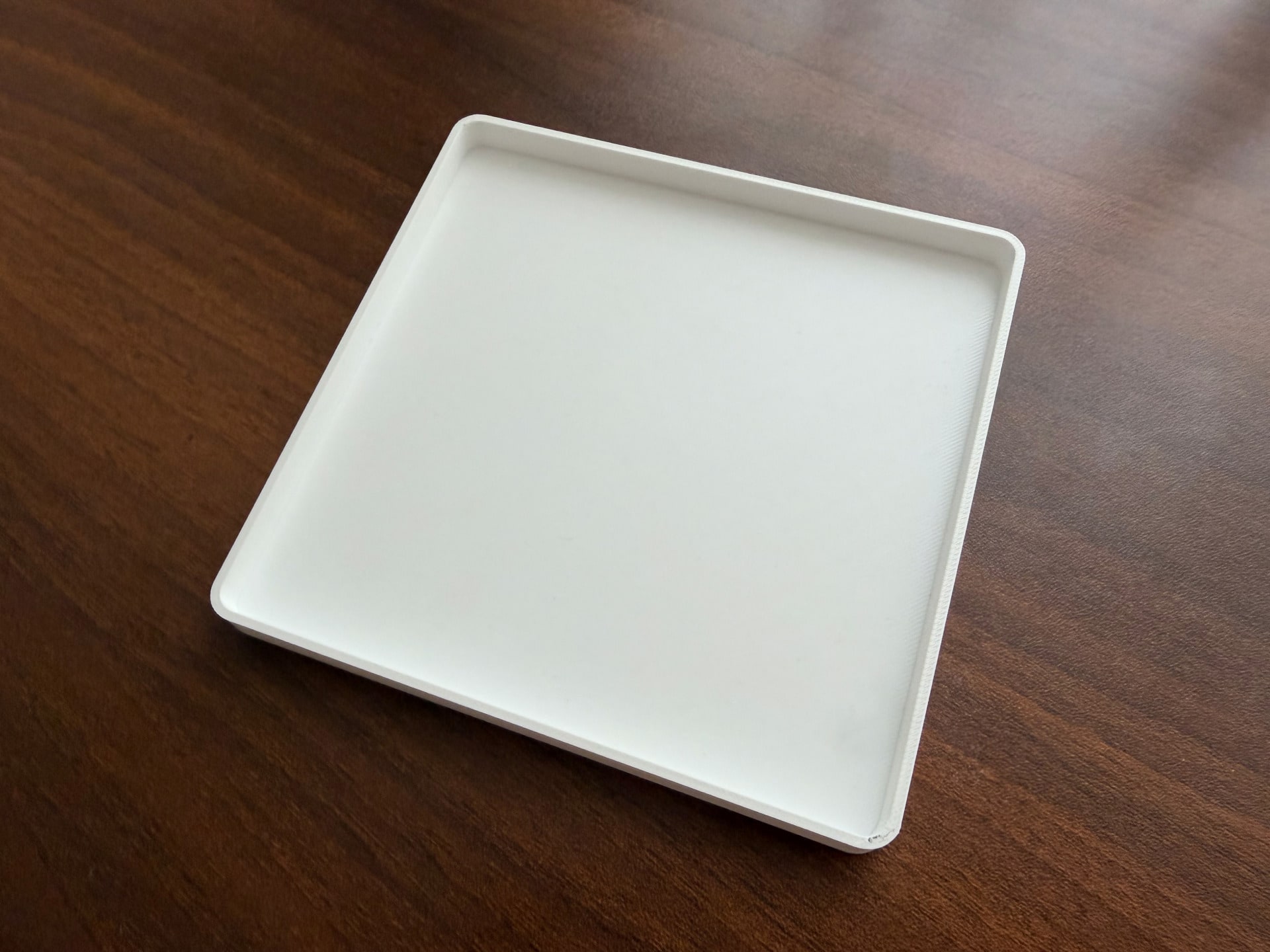
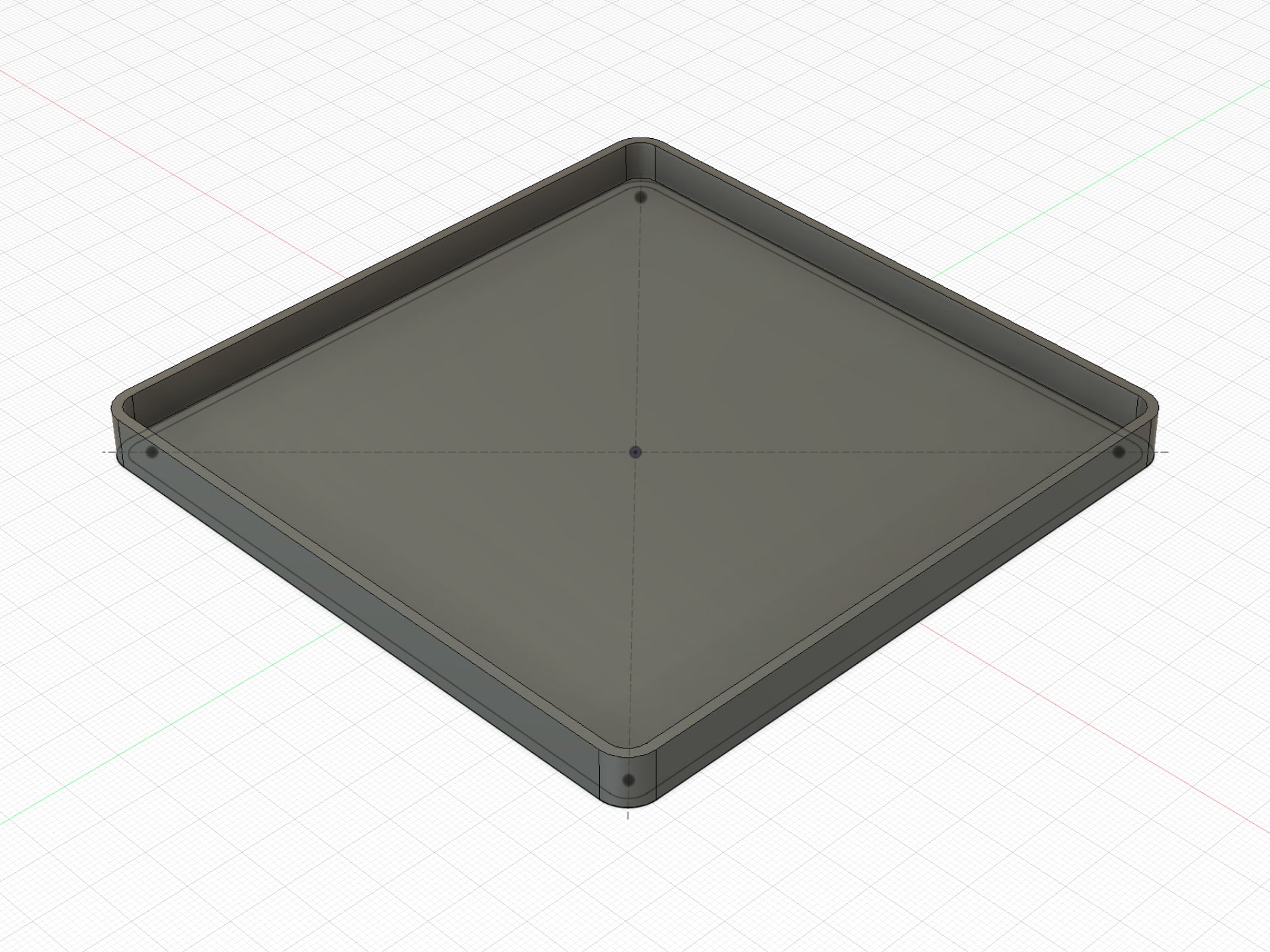
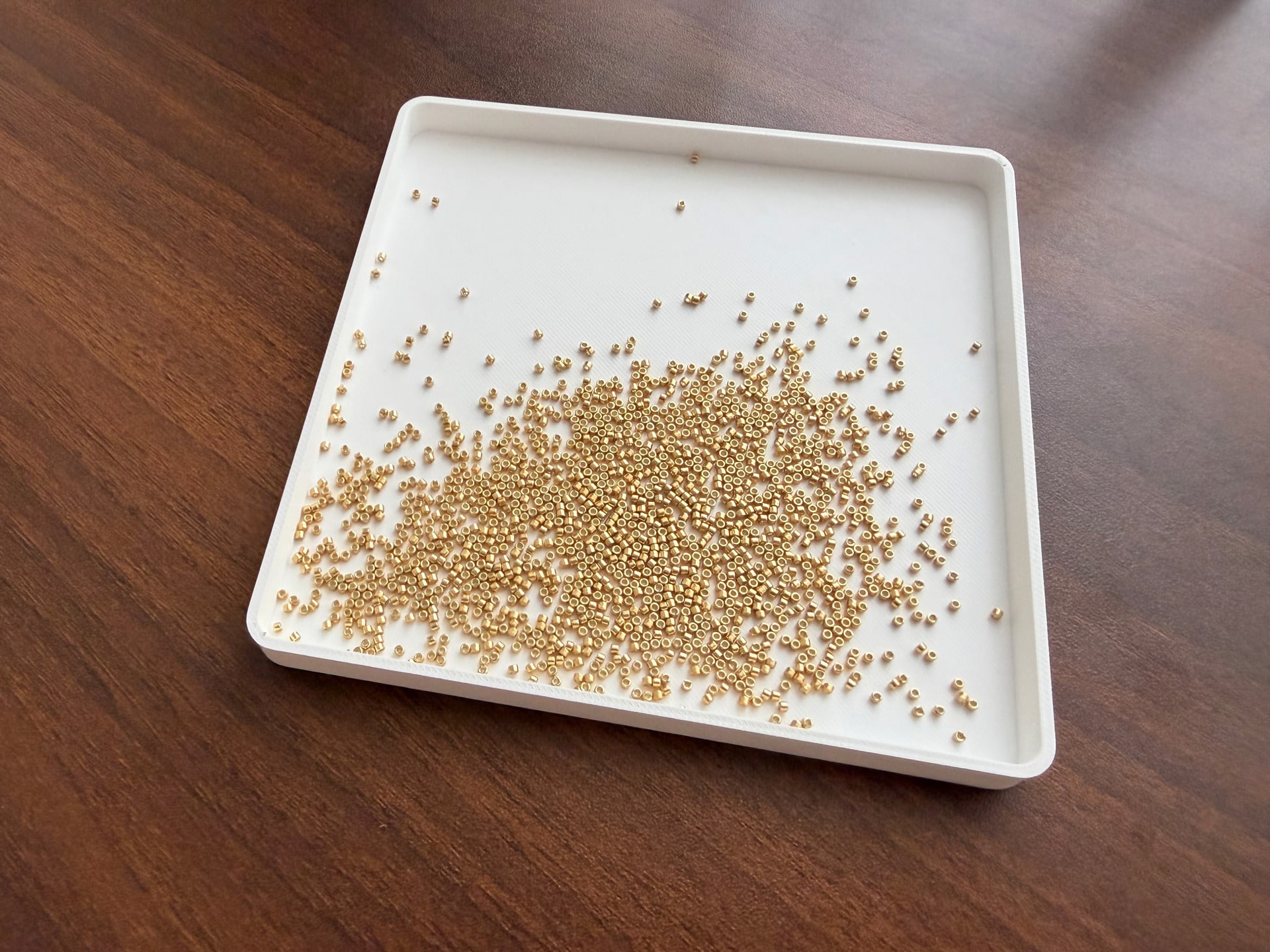
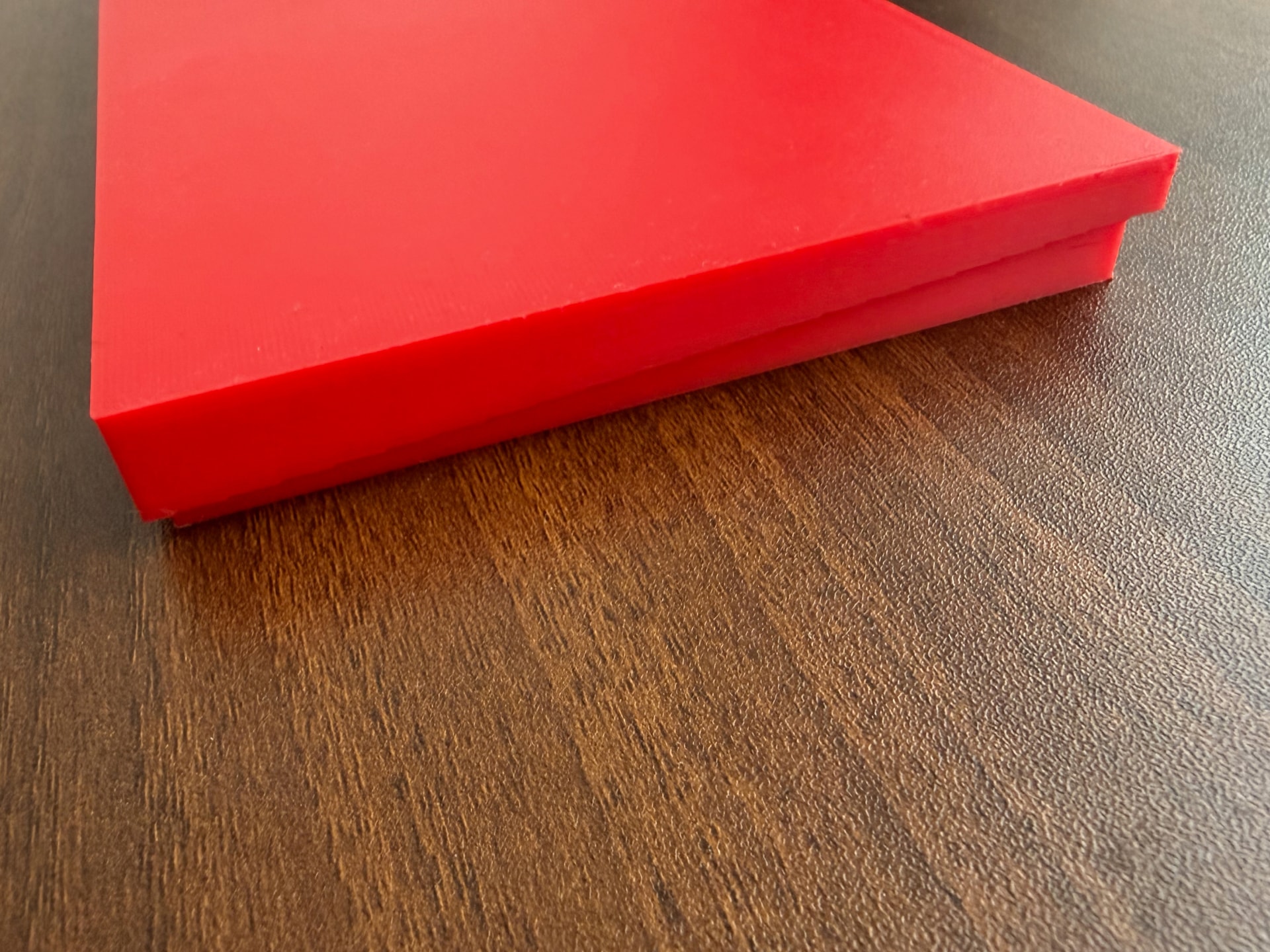
Skvrampel tray

This basic tray was originally designed as a sorting board, but I find myself using it daily for spreading out things: pouring out beads to check, laying out small findings for a project or when unboxing them, or catching spills when distributing beads. Sometimes I even use it as a plain white background to take quick photos.

It is basically a simple box, but the key feature is its low profile and solid grip on the desk. It’s practically impossible to flip over by accident.

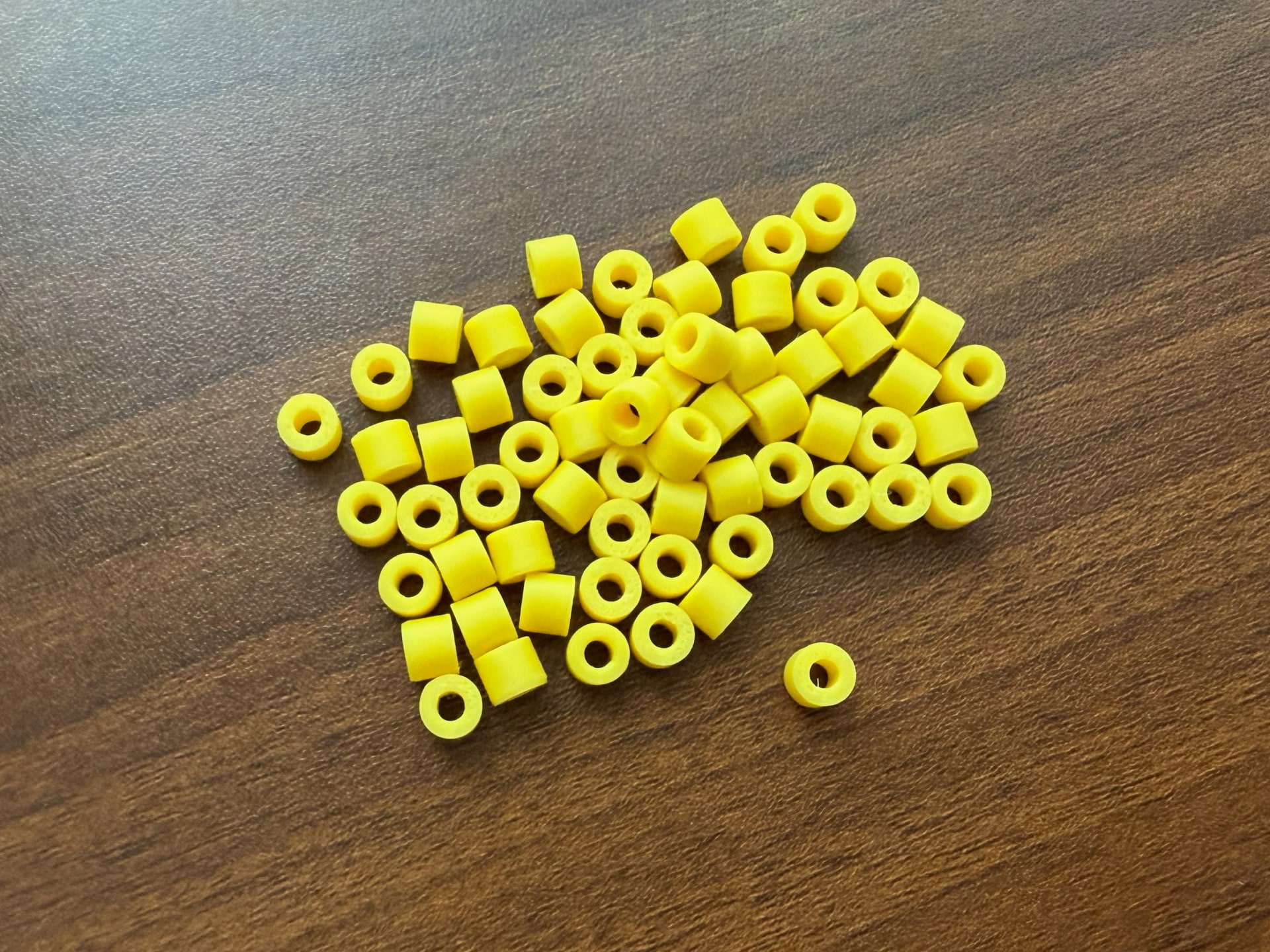
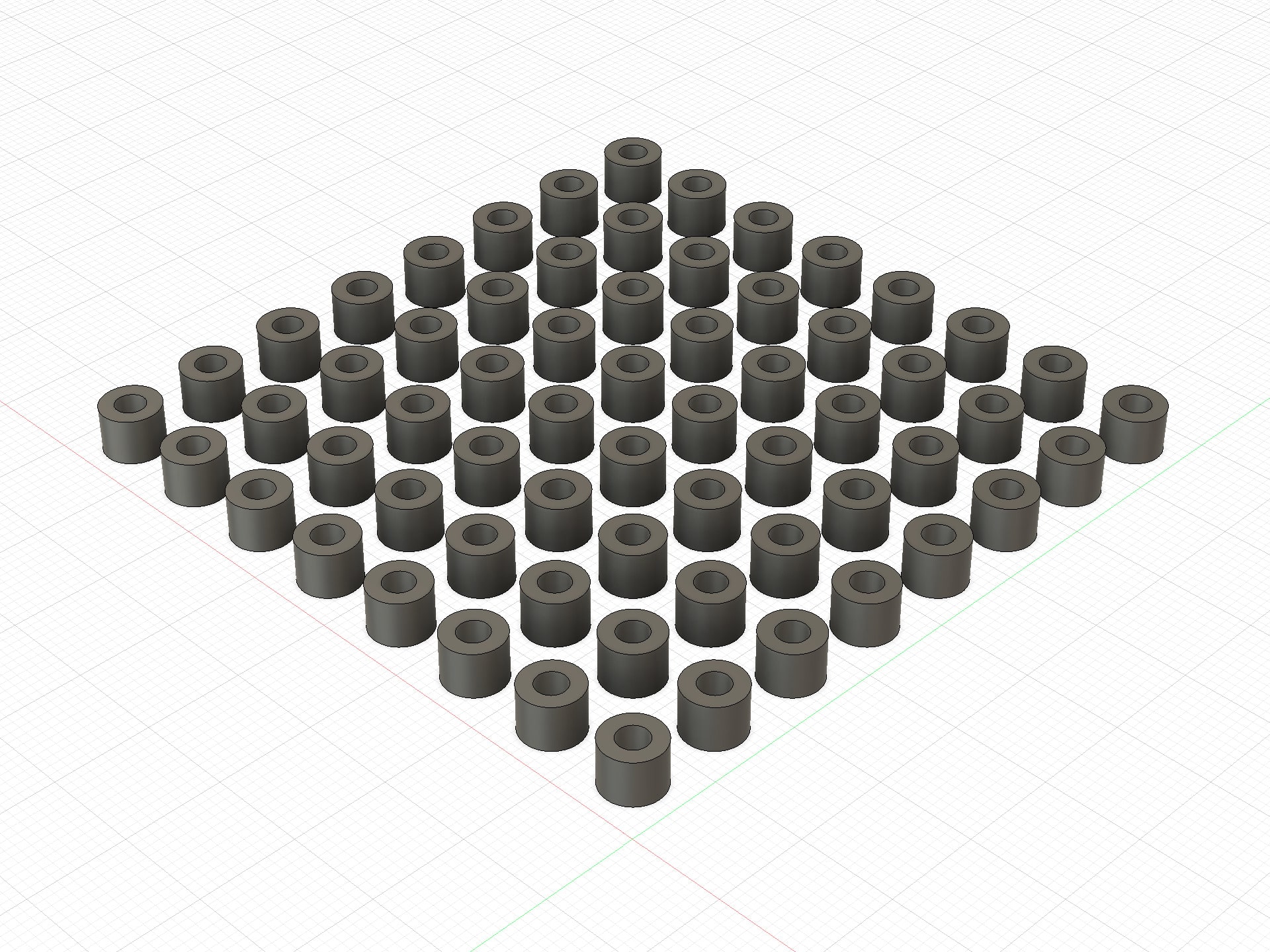
Brusetniki beads

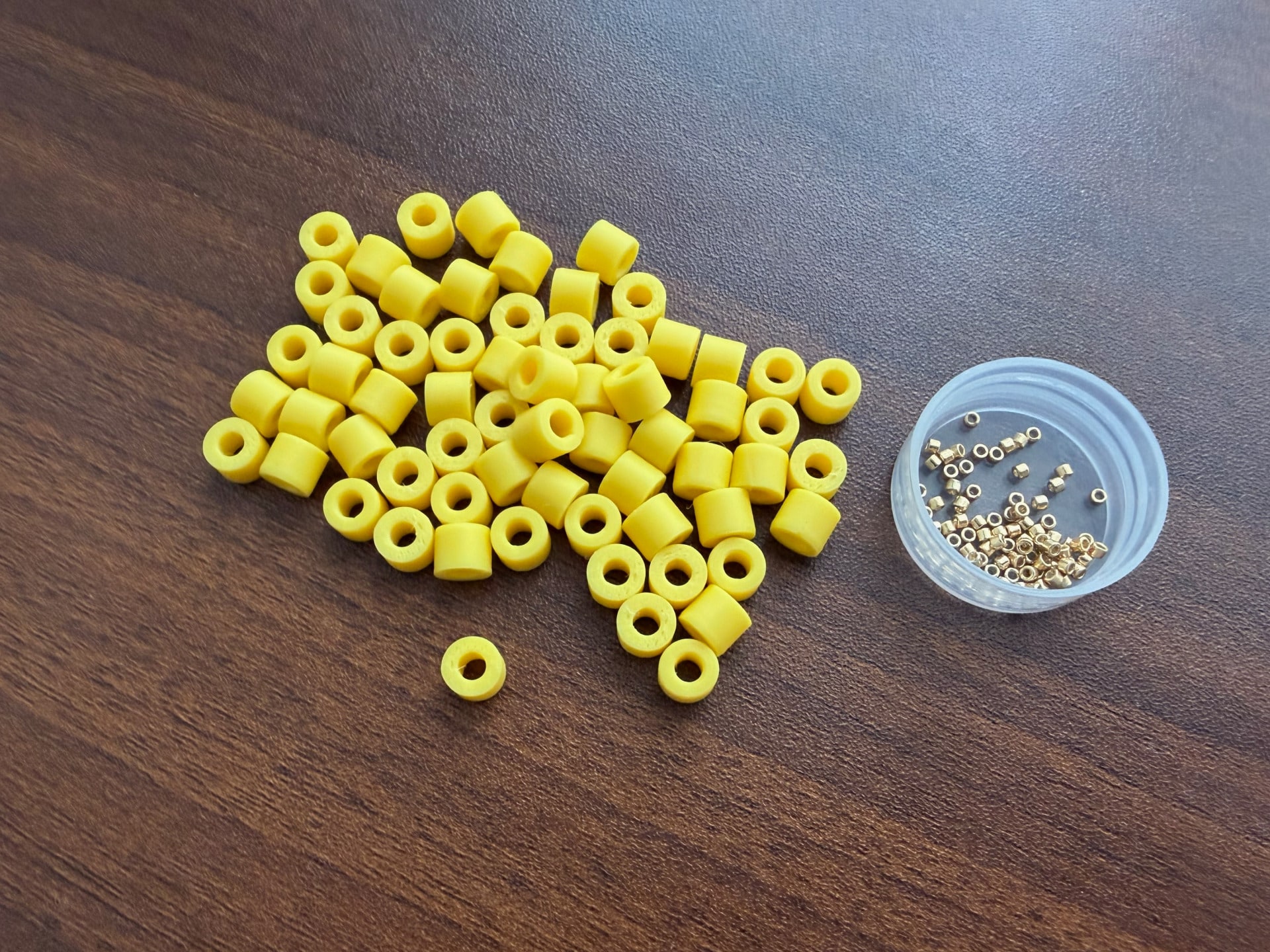
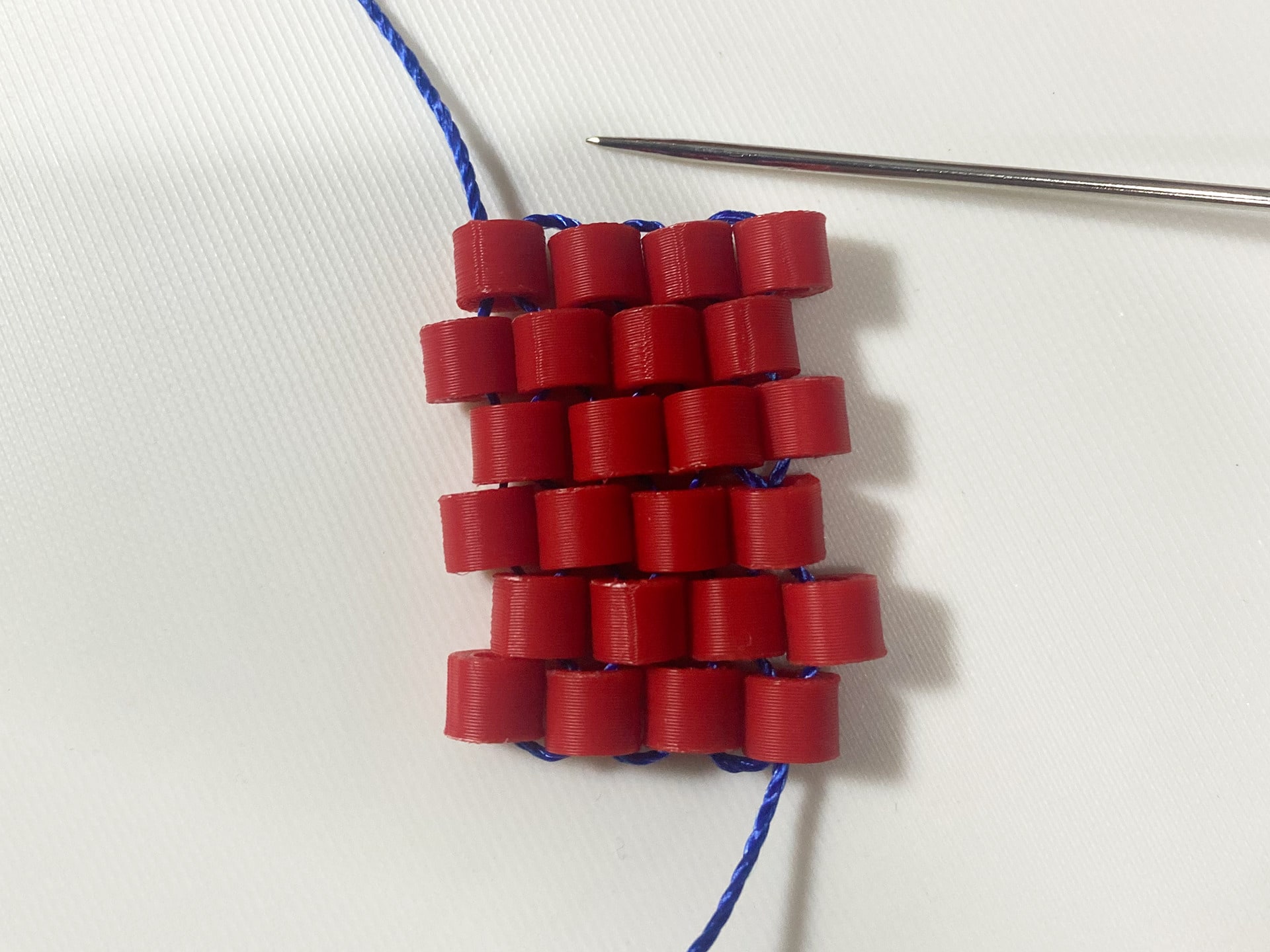
If you are about to shoot a beadwork tutorial, you might want to use oversized beads for a clear demonstration. However, finding such beads is quite a task — especially finding ones without rounded edges that tilt and distort peyote stitch.

I never quite got around to making video tutorials myself, but these demo beads seem to work well. They align evenly. To be fair, they don't look that fancy, but they get the job done.

Original designs

To be honest, I’m not that good at design—at least from an artistic perspective. But I’m trying. Here are some basic ideas. I pack them into PDFs along with charts, measurements, and color palettes.

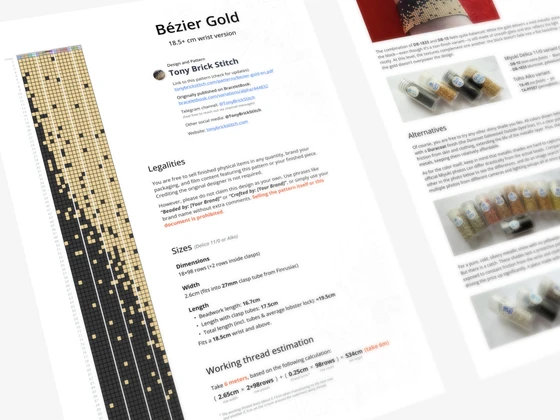
Preview image for pattern: Bézier Gold

Bézier Gold

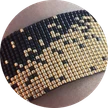
This is my very first design, made back in the early days. I remember how much I enjoyed the black-and-gold combo and brainstorming ideas on how to mix them—labyrinths, battleship boards, and so on. In the end, this simple yet elegant curve popped up. I liked how it turned out, so it eventually became the logo.

Select Scale to fit when printing

Pattern modifications

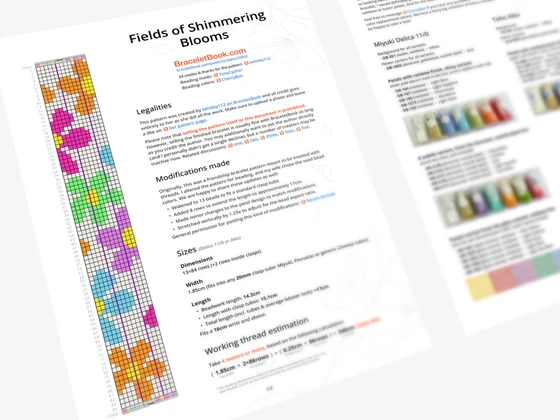
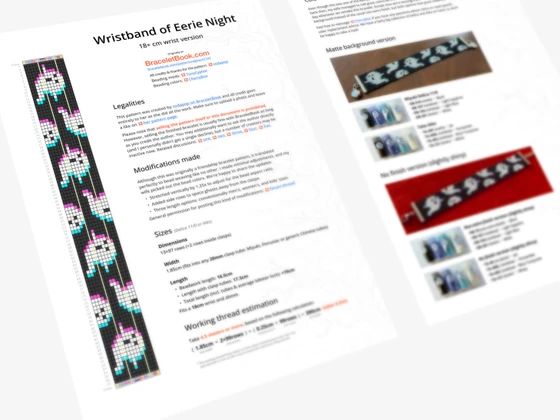
When crafting with seed beads, I often adapt non‑beading patterns—like friendship bracelet charts from Bracelet Book or retro pixel art. These designs usually need a few tweaks: adding or removing rows, adjusting proportions to fit the seed bead aspect ratio, and fine-tuning color palettes.

I compile these modded charts into PDF files and share them just like the originals: non-commercial and completely free. These mods are created with a community-driven mindset, much like open‑source software.

Original design authors are always credited.

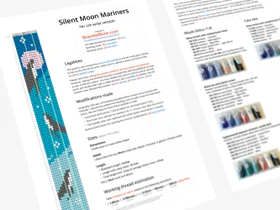
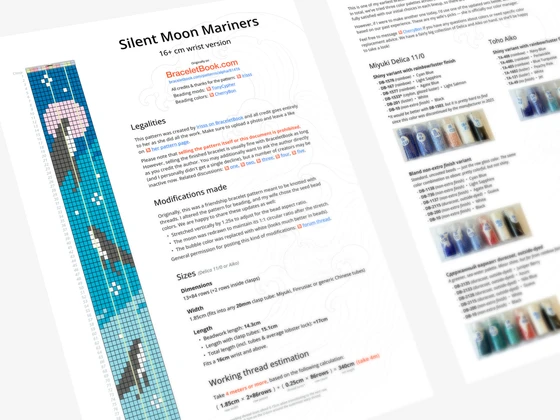
Preview image for pattern: Silent Moon Mariners

Silent Moon Mariners

  • Stretched vertically by 1.25x to adjust for the bead aspect ratio.
  • The moon was redrawn to maintain its 1:1 circular ratio after the stretch.
  • The bubble color was replaced with white (looks much better in beads).
  • Three length options: conventionally 16cm, 15cm, and 13cm.
Original Design
Beading-Ready Mods
Select Scale to fit when printing
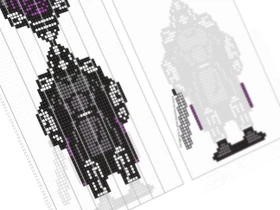
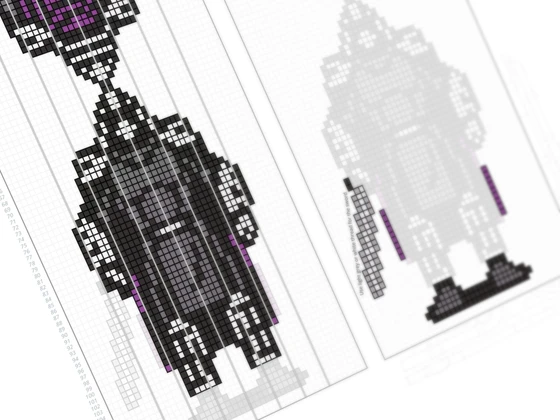
Preview image for pattern: The Bead Shredder

The Bead Shredder

  • Added reverse side.
  • Short instruction on how to weave a two layer piece on the loom.
  • Divided the pattern into phases: weaving the body on the loom and adding details.
Legalities
  • Original Character Design:
    Kevin Eastman & Peter Laird
  • Original Game & Sprite Art:
    © 1991 Konami (TMNT3 on NES)
  • Franchise Rights:
    © Paramount Global / Nickelodeon
Beading-Ready Mods
Select Scale to fit when printing